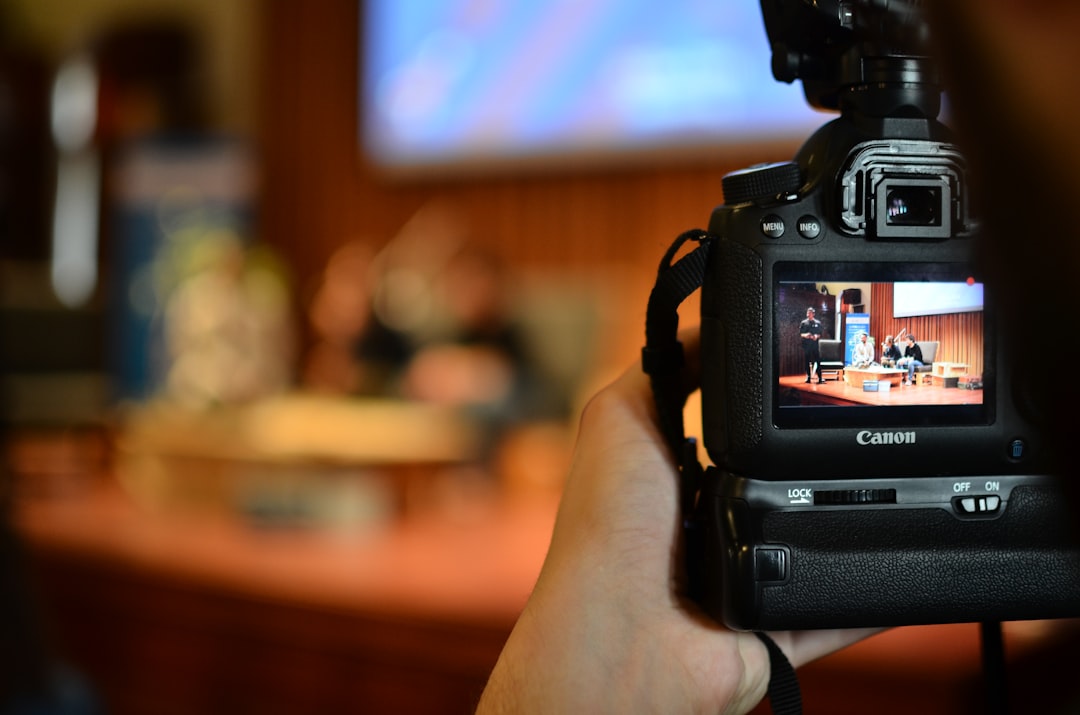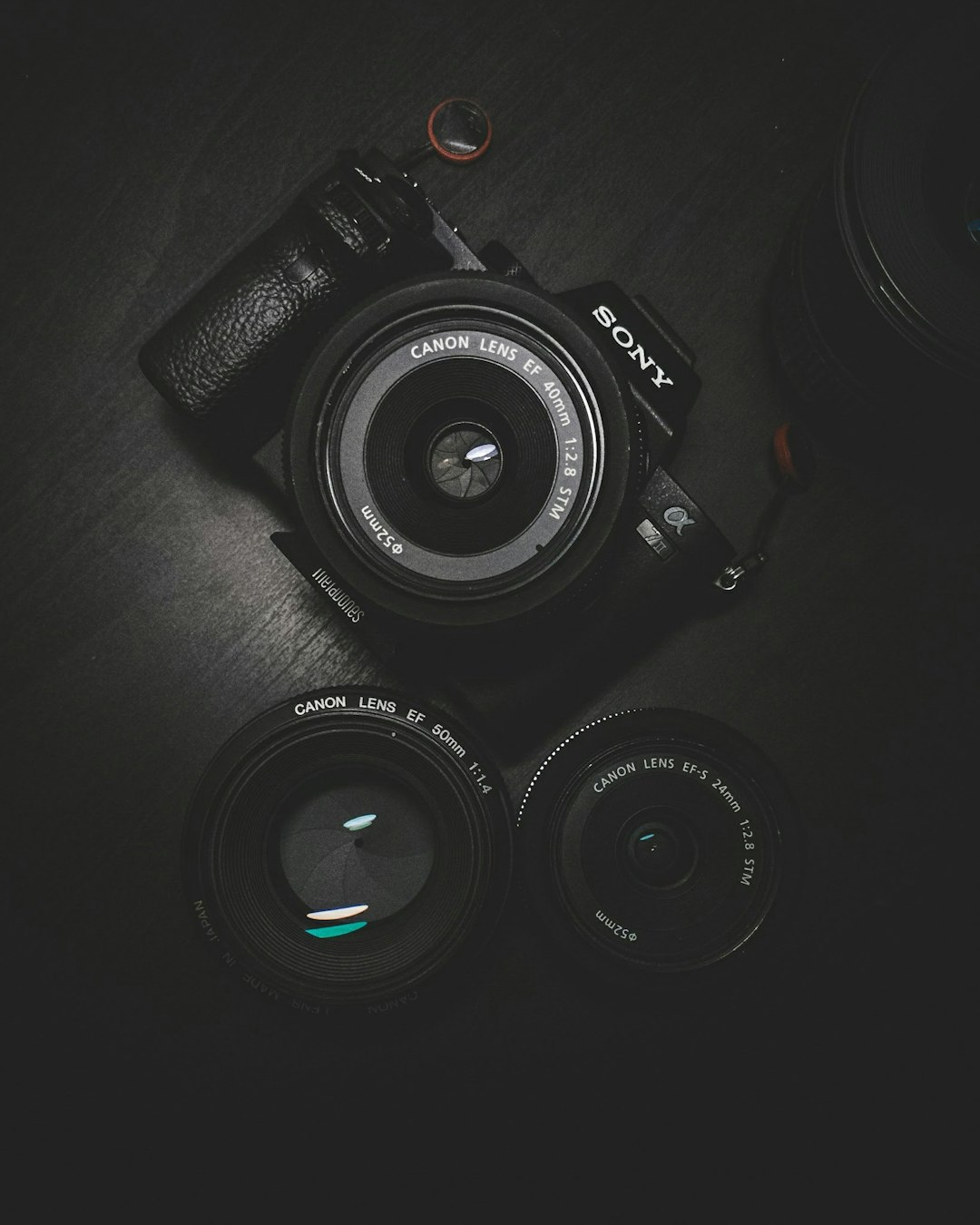
Understanding the fundamental camera settings of aperture, shutter speed, and ISO forms the foundation of photography. These three elements, often called the exposure triangle, work together to control how much light reaches your camera sensor and determine the final appearance of your images. Mastering these settings empowers you to move beyond automatic mode and take complete creative control of your photography.
Understanding Aperture
Aperture refers to the opening in your lens through which light passes. Measured in f-stops like f/1.8, f/4, or f/16, aperture controls two critical aspects of your photographs: exposure and depth of field. A lower f-number indicates a wider aperture opening, allowing more light to enter and creating a shallower depth of field with beautiful background blur.
Wide apertures excel in portrait photography, isolating your subject from distracting backgrounds. Settings like f/1.8 or f/2.8 create that coveted bokeh effect where backgrounds melt into creamy smoothness. Conversely, narrow apertures such as f/11 or f/16 keep more of the scene in focus, making them ideal for landscape photography where you want sharpness from foreground to background.
The aperture also affects image sharpness. Most lenses perform sharpest at middle apertures around f/5.6 to f/8. While you might want to shoot wide open for portraits or stopped down for landscapes, understanding your lens's sweet spot helps when maximum sharpness is priority.
Mastering Shutter Speed
Shutter speed determines how long your camera's sensor is exposed to light. Measured in fractions of a second like 1/1000, 1/250, or whole seconds for longer exposures, this setting controls motion in your images. Fast shutter speeds freeze action, essential for sports, wildlife, or any moving subject you want captured sharply.
A general rule suggests using a shutter speed at least equal to your focal length to avoid camera shake. For a 200mm lens, shoot at 1/200 second or faster. Modern image stabilization technology allows slower speeds, but this guideline provides a reliable starting point for handheld shooting.
Slow shutter speeds create motion blur, useful for creative effects like silky water in landscapes or light trails in night photography. Speeds slower than 1/60 second typically require a tripod to keep stationary elements sharp while blur captures movement. Experiment with different speeds to discover how motion appears in your images.
ISO Sensitivity Explained
ISO controls your camera sensor's sensitivity to light. Lower ISO values like 100 or 200 produce cleaner images with minimal noise, ideal for bright conditions. Higher ISO settings like 1600 or 3200 increase sensitivity, allowing photography in darker conditions but introducing grain or noise into your images.
Modern cameras handle high ISO remarkably well compared to older models. Many cameras produce acceptable images at ISO 3200 or even 6400. However, always use the lowest ISO possible for your shooting conditions to maintain maximum image quality. Increase ISO only when you cannot achieve proper exposure through aperture and shutter speed adjustments alone.
Understanding your camera's ISO performance helps you make informed decisions. Test your camera at various ISO settings to see where noise becomes objectionable for your standards. This knowledge guides you when balancing the exposure triangle in challenging lighting situations.
The Exposure Triangle Relationship
Aperture, shutter speed, and ISO work together to create proper exposure. Changing one setting requires adjusting another to maintain exposure. Opening your aperture wider lets in more light, allowing you to use faster shutter speeds or lower ISO. Increasing shutter speed to freeze motion requires wider aperture or higher ISO to compensate for reduced light.
This relationship gives you creative control. For portraits, you might prioritize wide aperture for background blur, then adjust shutter speed and ISO to achieve proper exposure. In sports photography, fast shutter speed takes priority, with aperture and ISO supporting that requirement. Understanding these relationships helps you quickly adjust settings to match your creative vision.
Camera Shooting Modes
Modern cameras offer various shooting modes to help manage the exposure triangle. Aperture Priority mode lets you set aperture while the camera chooses shutter speed for proper exposure. This mode suits situations where depth of field matters most, like portraits or landscapes.
Shutter Priority mode reverses this relationship, letting you control shutter speed while the camera selects aperture. Use this mode for action photography where freezing or blurring motion is your primary concern. Manual mode gives you complete control over all three settings, essential when dealing with tricky lighting or when you want absolute creative authority.
Program mode offers a middle ground, allowing quick adjustments to the camera's suggested settings. While not as precise as manual, it provides faster workflow than full automatic while maintaining some creative input.
Metering and Exposure Compensation
Your camera's light meter measures scene brightness and suggests exposure settings. Understanding metering modes helps achieve accurate exposure. Evaluative or matrix metering analyzes the entire frame, suitable for most situations. Center-weighted metering emphasizes the middle of your frame, useful for portraits. Spot metering measures a tiny area, perfect for high-contrast scenes.
Exposure compensation allows you to override the camera's metering when necessary. Bright scenes like snow or beaches often fool meters into underexposure. Adding positive exposure compensation brightens these images. Dark scenes may need negative compensation to prevent overexposure. Learning to use exposure compensation helps you achieve correct exposure in challenging conditions.
White Balance Fundamentals
While not part of the exposure triangle, white balance significantly affects your images. Different light sources cast different color temperatures. Daylight appears neutral, incandescent bulbs cast warm orange tones, and shade produces cool blue tints. Auto white balance handles many situations adequately, but understanding presets like Daylight, Cloudy, Tungsten, and Fluorescent gives you greater control.
Custom white balance ensures accurate colors in mixed lighting or challenging conditions. Shooting in RAW format allows white balance adjustment during editing without quality loss, providing insurance when you're unsure about the correct setting on location.
Practical Application Tips
Start practicing in aperture priority mode to understand how aperture affects your images. Shoot the same subject at various f-stops to see depth of field changes. This hands-on experience builds intuition faster than reading alone.
Move to shutter priority to explore motion control. Photograph moving subjects at different speeds to understand how shutter speed affects the final image. Try both freezing action and introducing creative blur.
Once comfortable with these semi-automatic modes, transition to manual mode. Start in controlled conditions like outdoor portraits on sunny days where lighting remains constant. Manual mode seems daunting initially but becomes second nature with practice.
Review your images and their settings regularly. Most cameras display shooting information with each photo. Analyzing which settings produced your favorite images helps you understand what works in different situations.
Common Beginner Mistakes
New photographers often shoot everything at the widest aperture, thinking maximum background blur always looks best. While beautiful in portraits, extremely shallow depth of field can make it difficult to keep your entire subject in focus. Choose aperture based on your specific needs for each shot.
Another common error is using unnecessarily high ISO in bright conditions. Some photographers set ISO once and forget it, shooting at ISO 1600 even in bright sunlight. This introduces avoidable noise. Make ISO adjustment part of your pre-shooting checklist.
Ignoring the histogram is another mistake. This graph shows your image's tonal distribution, revealing exposure problems better than the camera's preview screen. Learn to read histograms to ensure you're capturing the full range of tones without clipping highlights or blocking shadows.
Conclusion
Mastering aperture, shutter speed, and ISO opens creative possibilities limited only by your imagination. These fundamental settings control not just exposure but the artistic qualities of your images. Practice deliberately, experiment boldly, and review your results critically. With time and experience, adjusting these settings becomes instinctive, allowing you to focus on composition and capturing moments rather than technical concerns. Your journey from automatic to manual mastery is challenging but incredibly rewarding, transforming you from someone who takes photos to a true photographer who creates images.